Find out why Filmstro is your next must-have addition to your post-production toolkit!
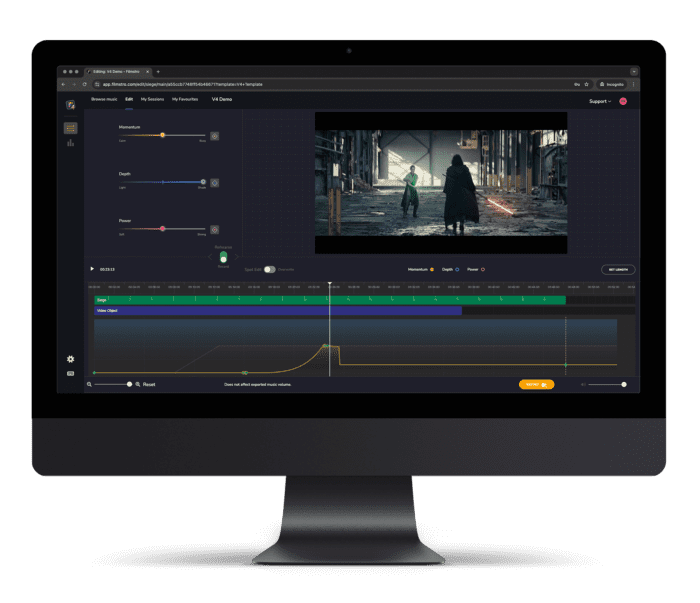
Check out this Demo to see the power of Filmstro in action. Using an awesome Star Wars fan film as an edit, I make real-time changes to a cinematic underscore to perfectly match the music to the visuals. Saving a ton of time and money!
Make musical changes on the fly
Achieve in minutes what would take a composer hours!
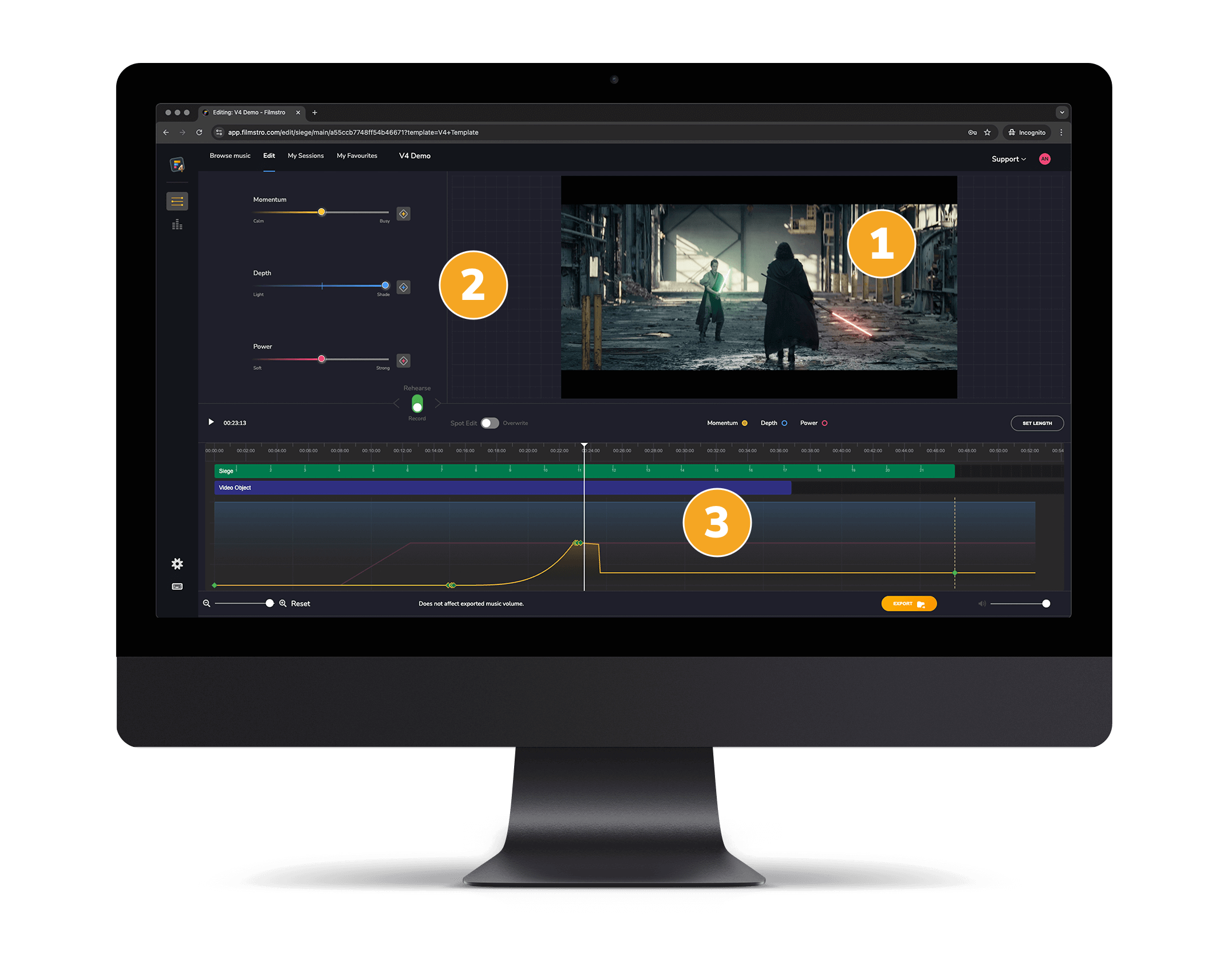
Preview your video in real time as you make changes to the music.
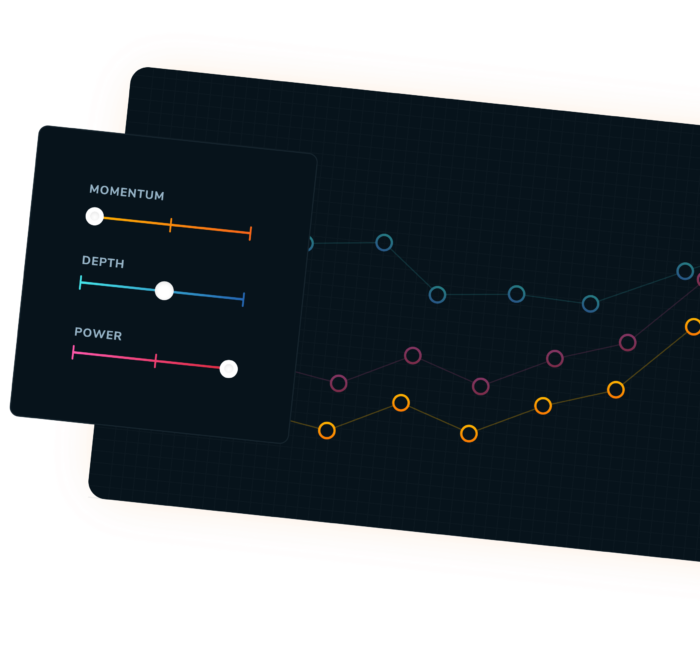
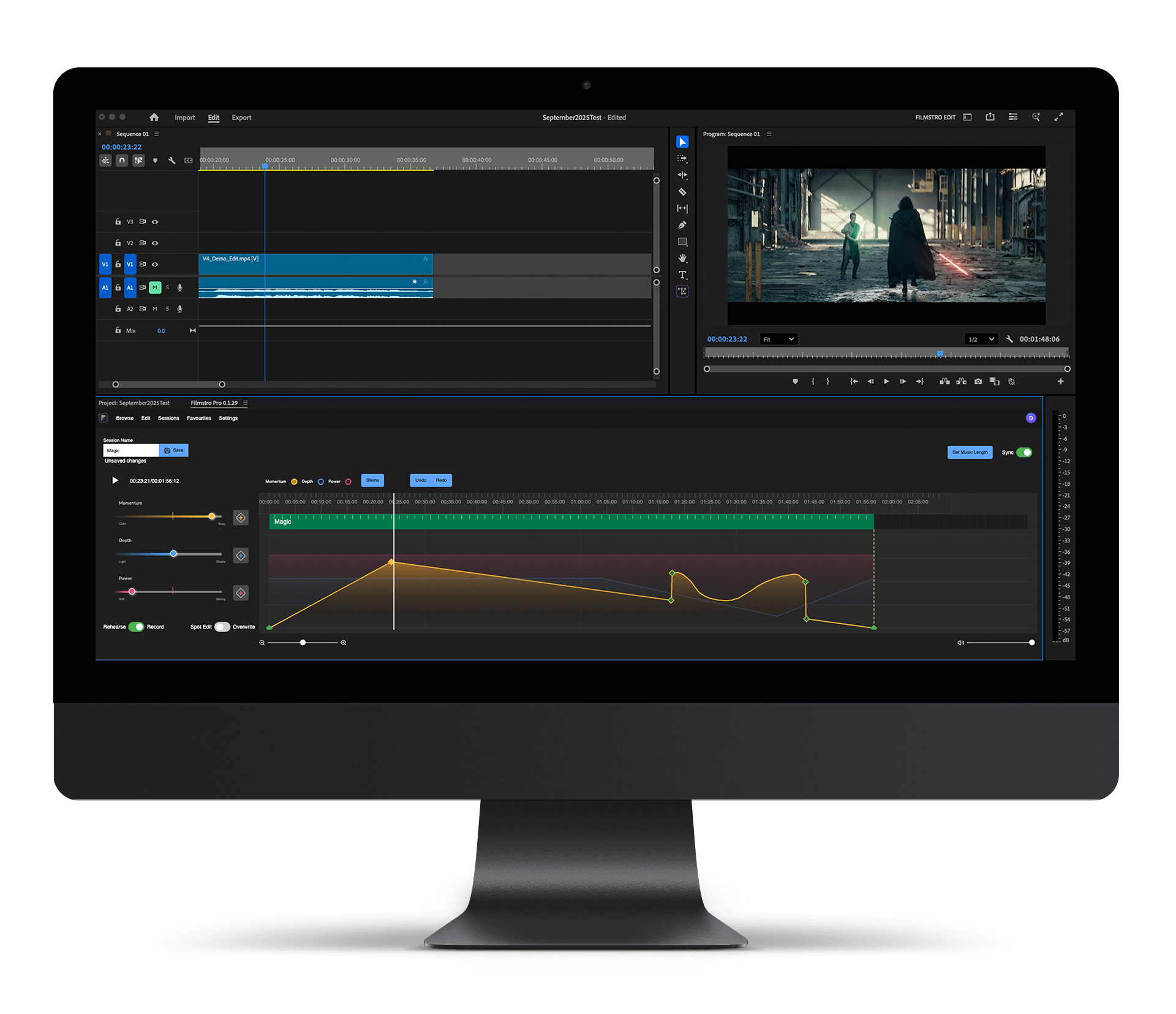
Use the scoring sliders to control the ‘Momentum’, ‘Depth’ and ‘Power’ of the music in real time. Or highlight sections and use the sliders to block in changes offline.
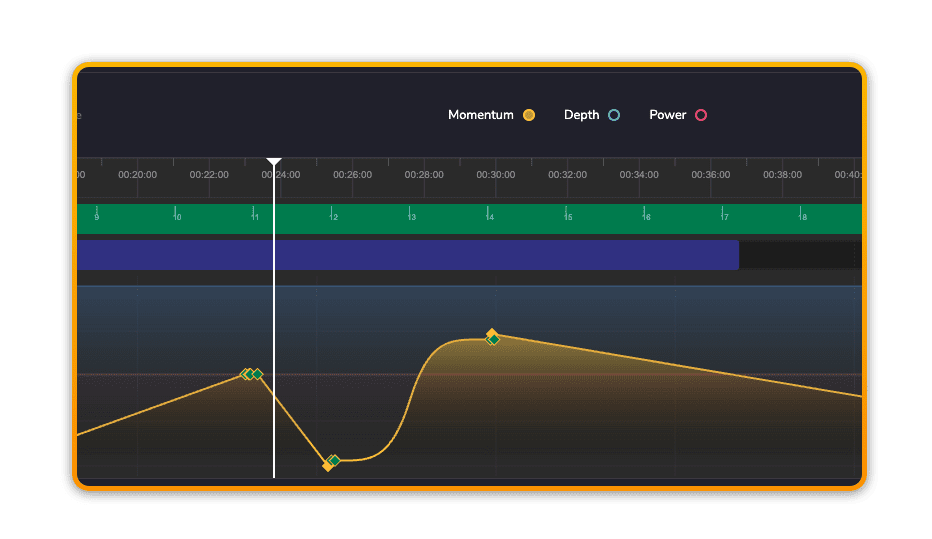
You can also make changes directly on the timeline with the pen tool – again, in real time or offline. Whatever works best for you.
It's time to KEYFRAME music
We designed Filmstro for you. The visual creative. Filmstro lets you visualise the music in the timeline in a meaningful way. You decide when the intensity of the track increases or where it become more complex or full-bodied. Allowing you to edit music as easily as you already edit video!
Smart music length
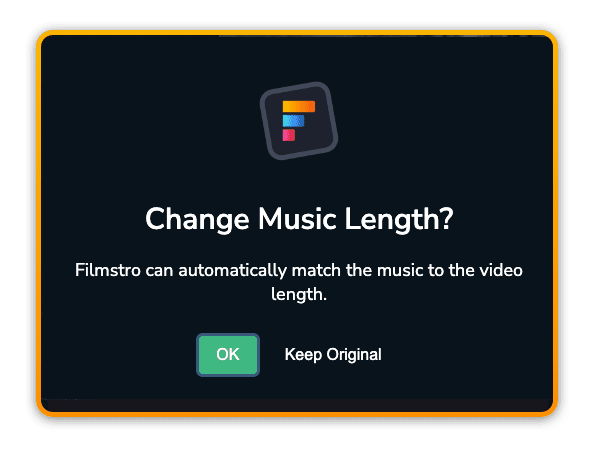
With ordinary stock audio you’re often stuck with a set length of music, and in some cases some additional versions at pre-defined lengths. Well, what if you need the music to be 36 seconds exactly, or 2 minutes and 11 seconds? With Filmstro true adaptability is built into every track as standard and our audio can even automatically adapt the length of the music to your video edit – whether you’re working in our Web App or our Adobe Premiere Extension.
Individual Stem Control
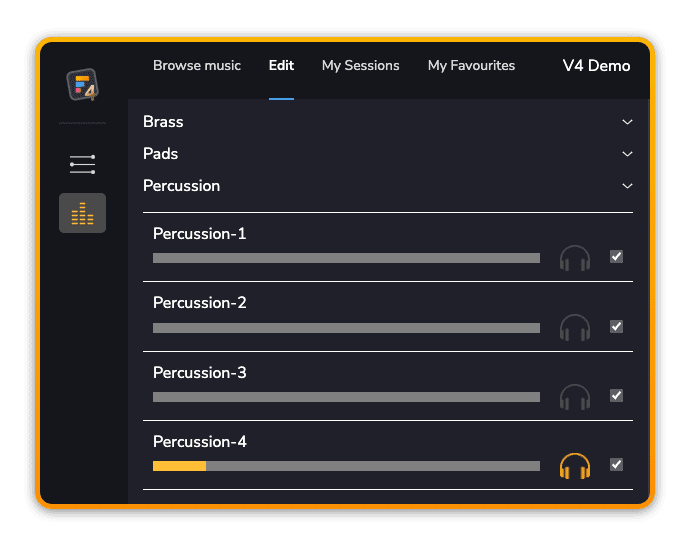
Often times with ordinary royalty free stock music you find a track you like, only for there to be one instrument or vocal that you wish you could remove. With Filmstro we’ve solved that. Simply use our stem control panel to audition the individual sounds and then remove the one(s) you don’t like, getting you from “nearly perfect” to “perfect” in record time!
Control - right up to the final beat
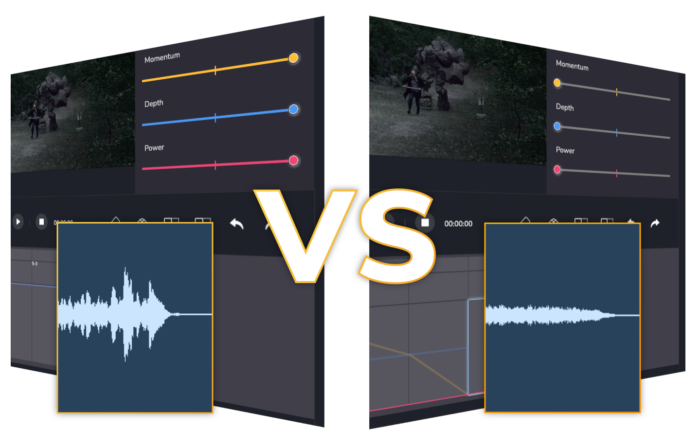
With ordinary stock audio you’re often stuck with a slow quiet intro and a loud ending shortly after the musical climax. With Filmstro YOU choose.
You can determine exactly how the music should start and end.
Go out with a bang instead of a whimper (unless you want to go out with a whimper – we’re not judging!).
Ready to try the full products?
You can try our Premiere Pro Extension or Web App right now. No payment details required!
Filmstro NLE plugin
A solution for working directly in your NLE.
If you prefer your music post-production directly inside Premiere Pro, then our Extension is for you!
Filmstro is very easy to learn. There is an overview video that explains everything in under 2 minutes when you first open the App. And you’ll also find links to our knowledge-base with more tutorial videos, full walkthrough, and reference handbook. So what are you waiting for?
Discovering Filmstro was a game changer for making my videos. It gives me complete control to arrange super high quality soundtracks how I want. It’s brilliant.
The list of music is fantastic and growing. I’m a huge fan of cinematic music, and this is what Filmstro does best. They have been great with support and I am very confident in the team behind Filmstro.
I use Filmstro as intro music for my lessons and as background music for my virtual escape rooms. The "adaptive" music from Filmstro makes my lessons more engaging and my students love it! You can even submit music requests, which I think is unique.
I have used Filmstro for over 2 years now and it has made my workflow so smooth. Finding copyright-free music can be quite challenging and Filmstro is the perfect place to do that if you are a content creator. Highly recommended!