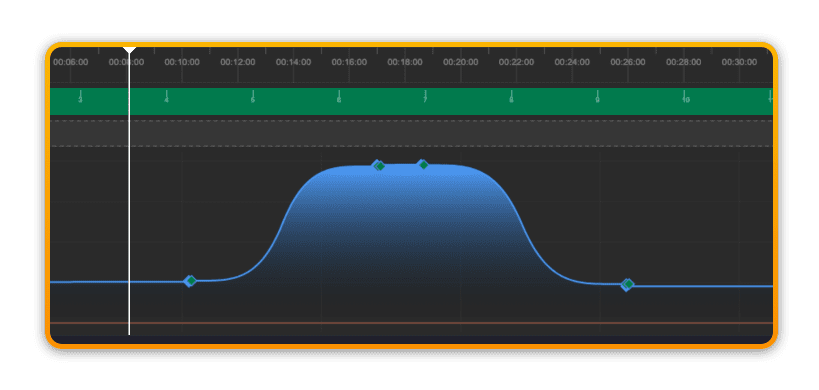
Transitions
Transitions allow you to further shape the shift from one part of the composition to another. To add a transition, first create a Selection and then right-click anywhere in the selection to bring up the Transitions menu.
From here you can choose one of 4 available transitions.
?Good to know: Bezier tools are coming in 2025 for even more intuitive and powerful transition-editing directly on the timeline – and won’t require selections.
Linear
The linear transition is the default when using keyframes and smoothly interpolates the change between 2 points.
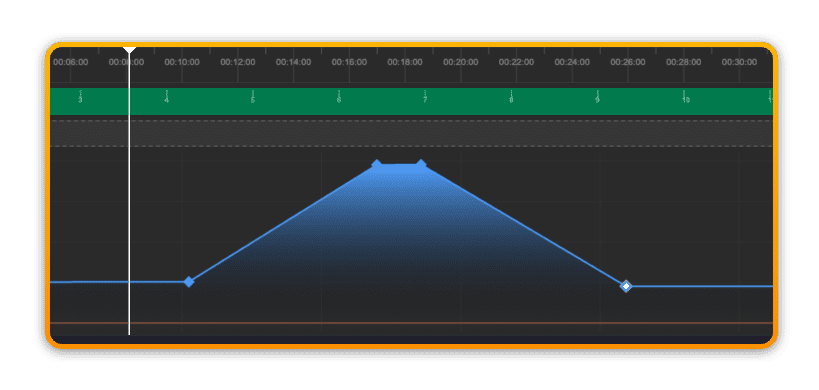
Concave (ease in/ease out)
Applying a concave transition to the start of a transition creates an ease-in shape. Applying the concave transition to the end of a transition create an ease-out shape.
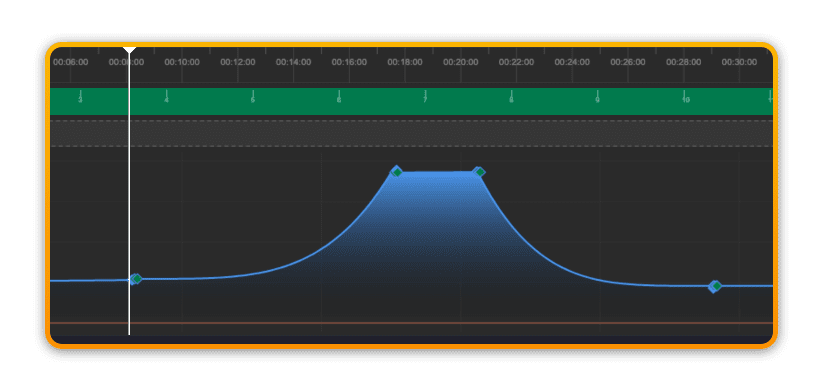
Convex (ramp)
Applying a convex transition to the start of a transition creates a fast ramp-in shape. Applying the convex transition to the end of a transition create a fast ramp-out shape.
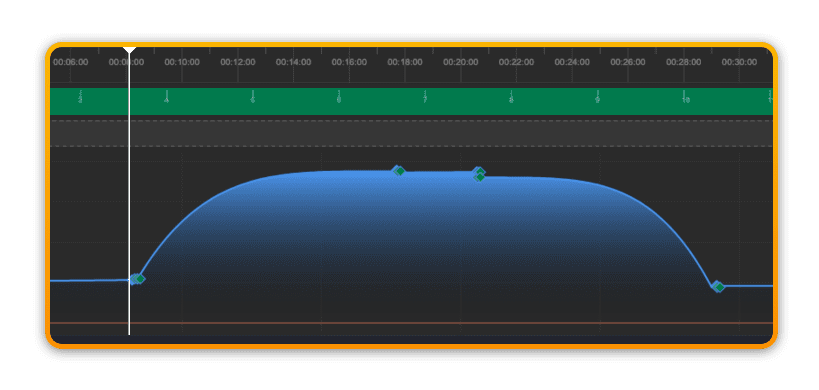
S-shape
Applying an S-shape transition to the start or end of a transition creates a hybrid between ease-in/out and ramp.