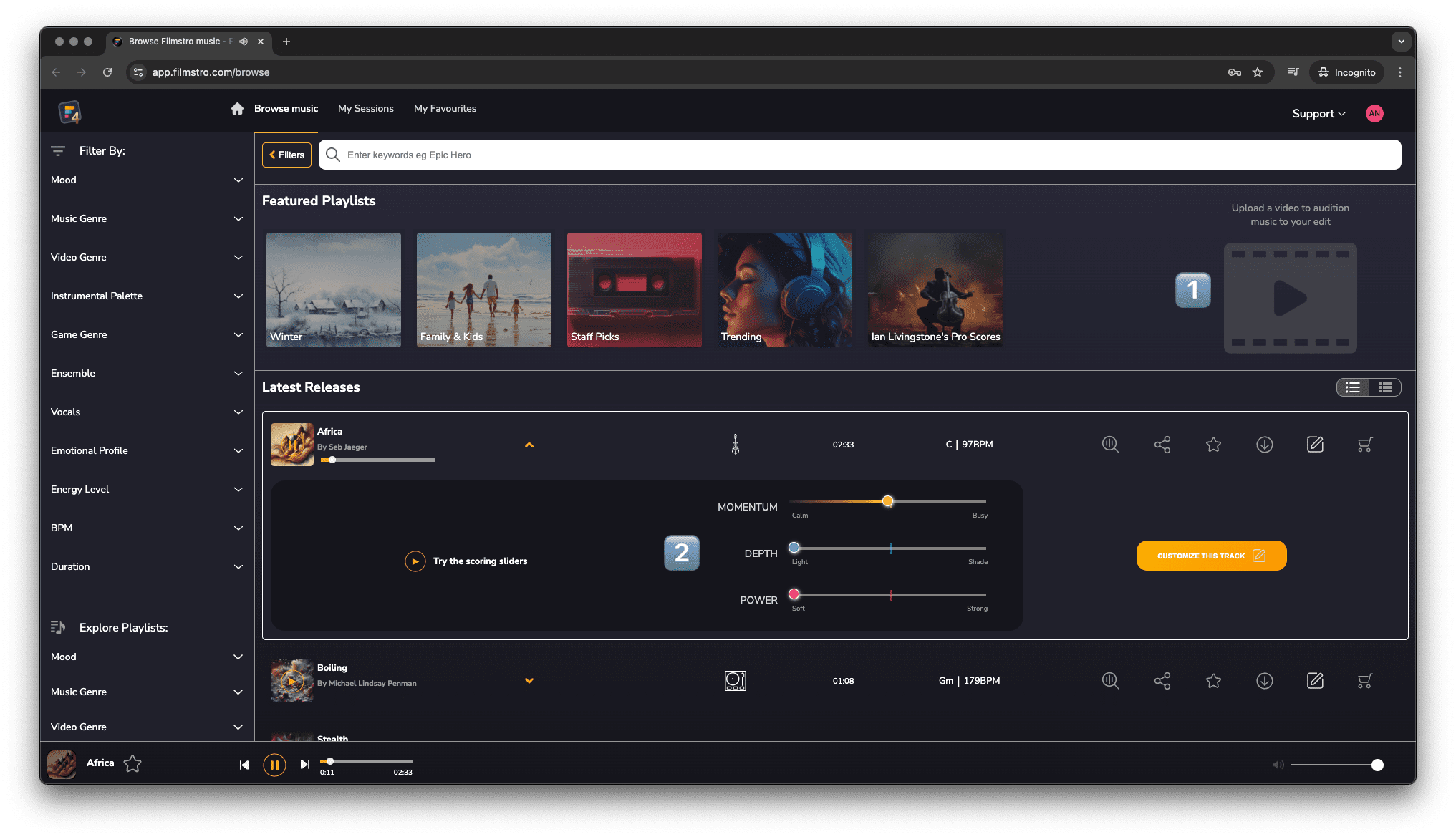
Browse Overview
Finding the right music is time consuming. However, we have two ways to make this easier.
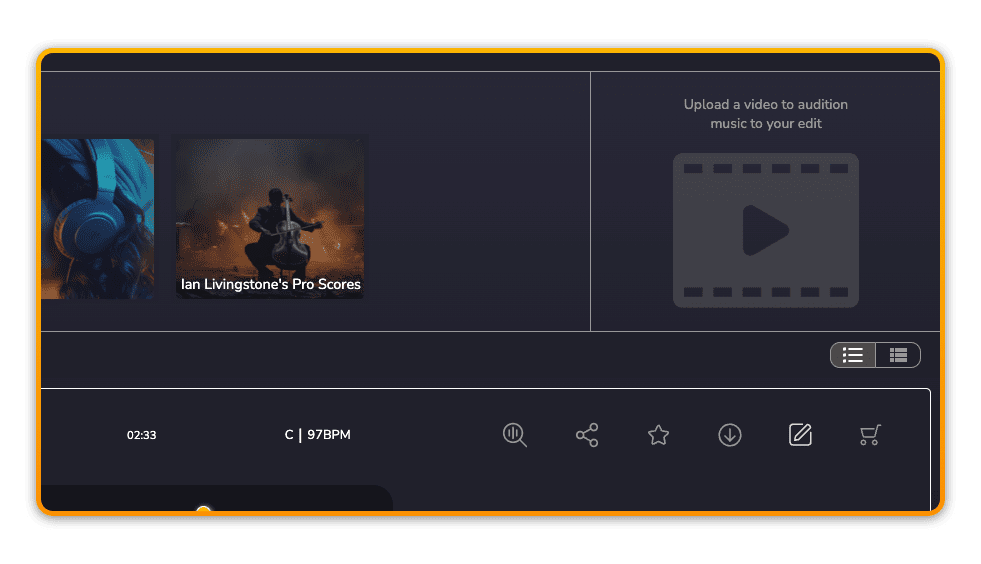
1️⃣ Audition music to your video
You can upload your video edit directly to the browse section. Your video will then play back in sync to each track you listen to – providing an instant sense of whether or not a track will work.
💡 Filmstro Pro supports the MP4 video format. Maximum recommended file size – < 500MB.
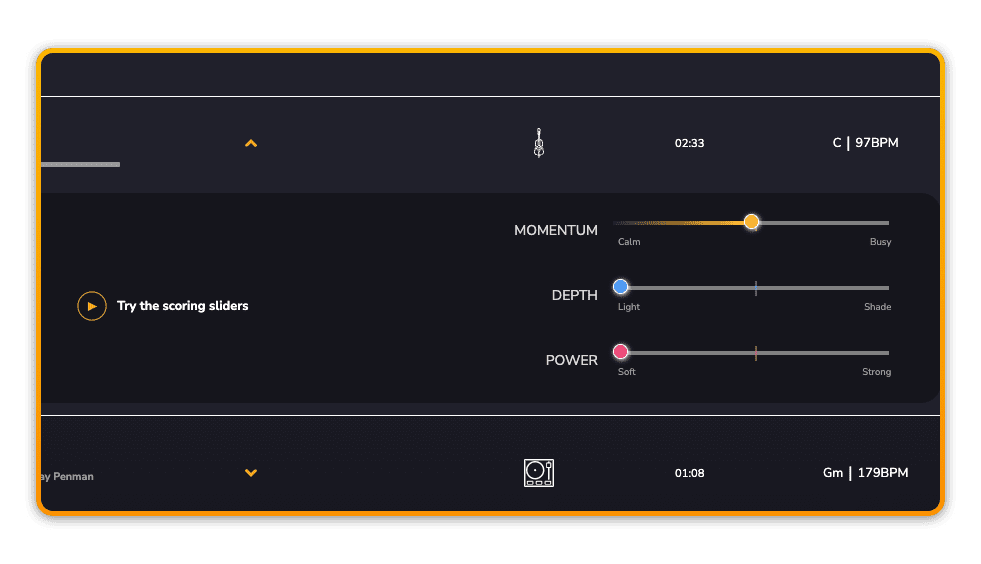
2️⃣ Change the mood of the music in real time
Each track can be auditioned with the Scoring Sliders – so you don’t have to search for a certain section in the music to figure out if there’s the right build or climax for example. Simply move the Scoring sliders to find out instantly.
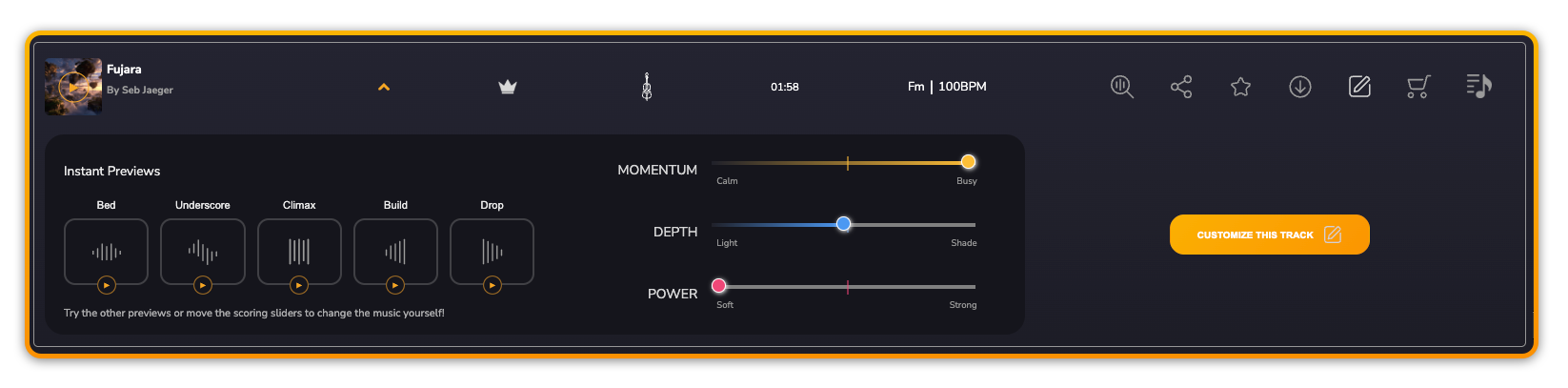
3️⃣ Access Instant Previews instead of scrubbing through a static mix
Once you’ve activated the Scoring Sliders you can then also click on each Instant Preview. The music will instantly play back the ‘Bed’, ‘Underscore’, ‘Climax’, ‘Build’, or ‘Drop’; showing you the emotional range of the track instantly so you don’t have to scrub through the audio preview to find out if it’s suitable.