Transport
The Transport contains 5 main items.

1️⃣ Play/Pause button
This can be controlled with the space bar and also assigned to a MIDI hardware controller.
⚠️ Please note: In the Premiere Pro Extension you need to enable ‘Sync’ so that Filmstro and Premiere’s timelines are controlled simultaneously.
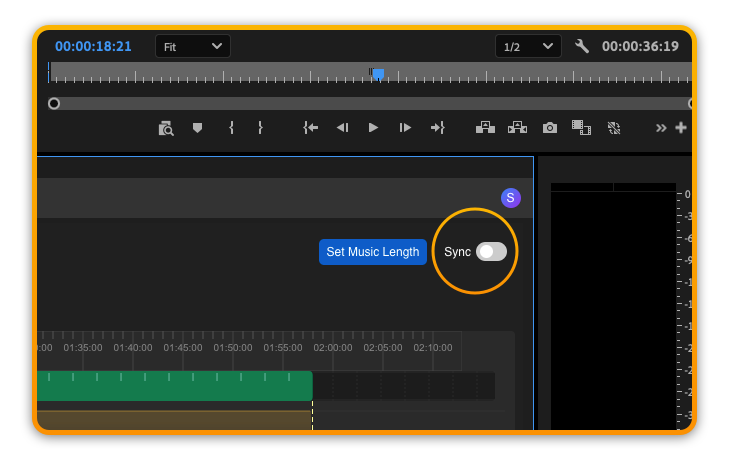
2️⃣ SMPTE time display
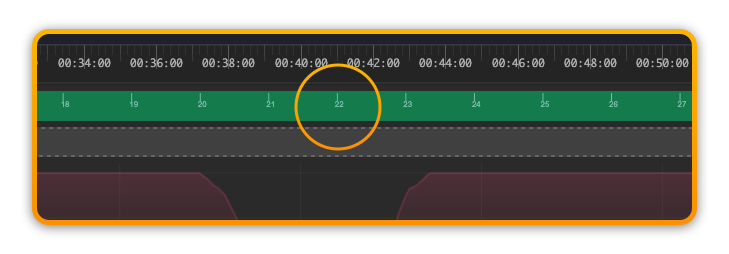
As we do not recommend extending the timeline beyond 60 minutes, Filmstro Pro only displays time in Minutes: Seconds: Frames.
3️⃣ Rehearse/Record toggle
When in Rehearse mode any changes made to the Scoring Sliders will not affect the timeline.
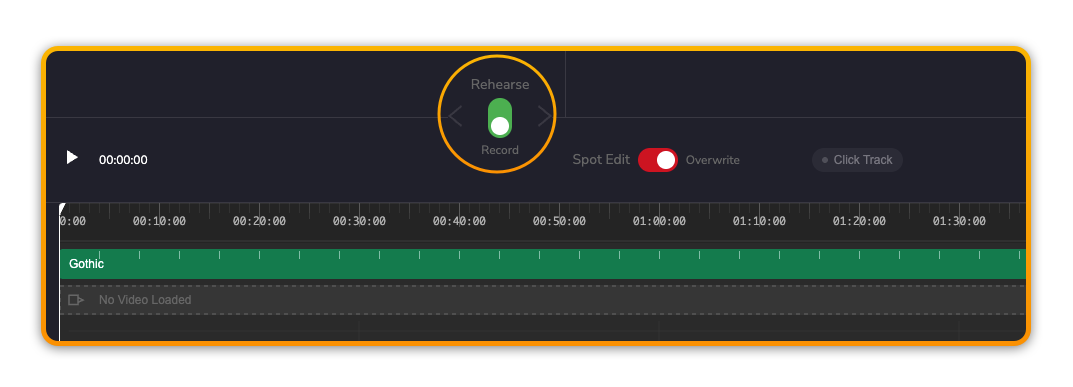
When in Record mode any changes made to the Scoring Sliders will be included in the timeline.
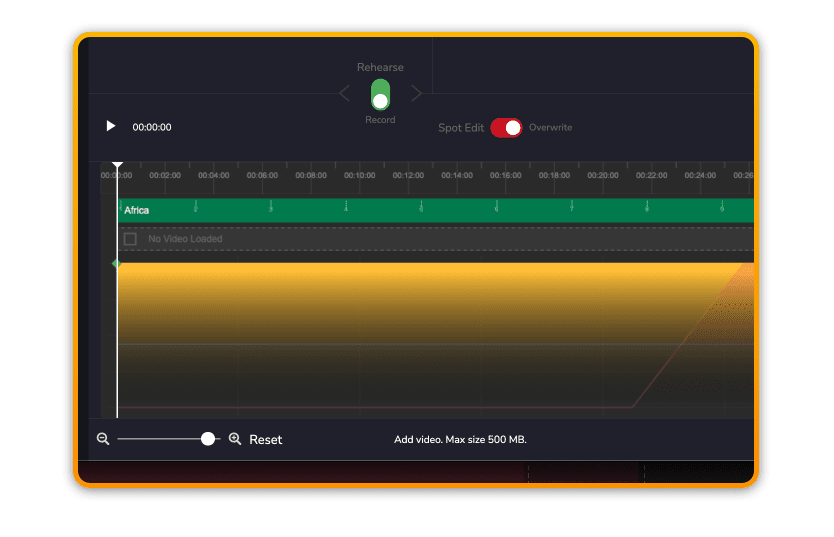
4️⃣ Spot Edit/Overwrite toggle
When in Spot Edit mode any Scoring Slider changes – while the playhead is moving – only record changes directly at the playhead (recording “on the spot”).
Once recording stops, the value at the playhead will snap back to any previously existing value.
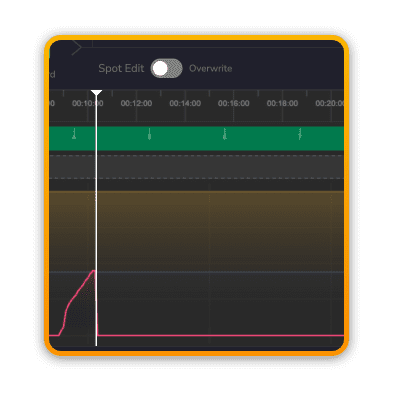
When in Overwrite mode any Scoring Slider changes made – while the playhead is moving – record changes directly at the playhead in addition to applying the changes to the remainder of the entire timeline from the playhead onwards (“overwriting” all previously created data).
Once recording stops, the value at the playhead remains at the Scoring Slider’s current setting.
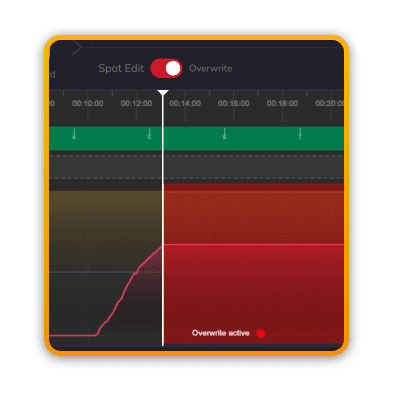
💡 Pro Tip: You can also use Overwrite mode offline (e.g. when the playhead is not moving) but only when the playhead is at the very start of the timeline. This is useful for setting your own custom Template to begin with.
5️⃣ Momentum, Depth, Power radio buttons
You can toggle between Momentum, Depth and Power by using these buttons or the shortcut keys 1,2,3.
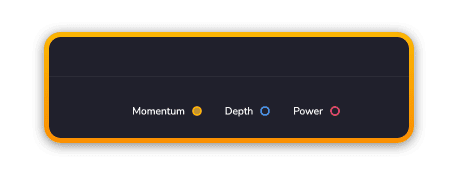
💡 By simply touching any one of the Scoring Sliders, the associated parameter will automatically switch to become the newly active parameter.
6️⃣ Click track
If you need to hear the BPM of a track (for example if you’ve used a very ambient ‘Bed’ or having muted various stems which is making it difficult to determine where the main beats of the music are), then you can enable the click track to help you edit.
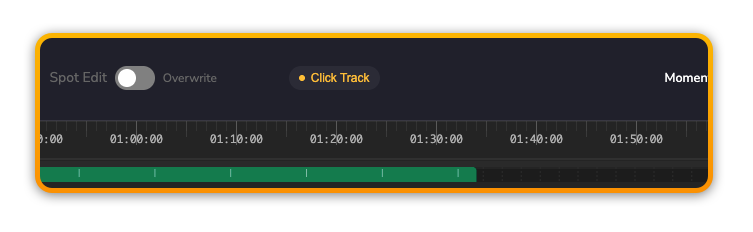
7️⃣ Bar Markers
Instead of trying to hear the BPM, you can also refer to the Bar markers contained directly in the music object.