

Documentation
Fundamentals
Keyboard Shortcuts
Use these keyboard shortcuts to speed up your workflow:
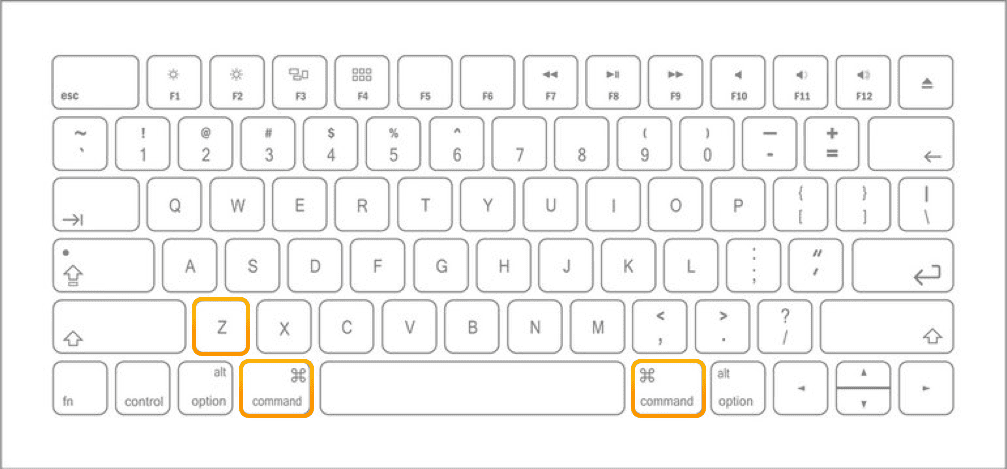
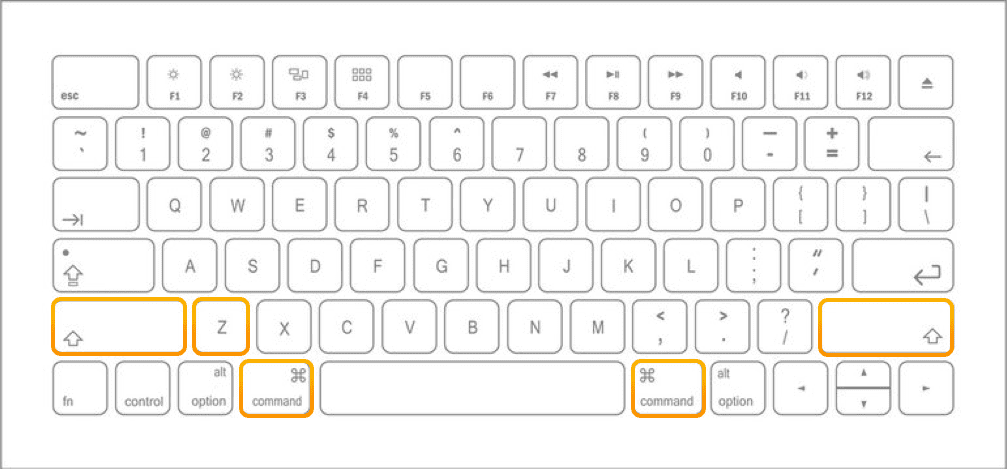
💡 Windows / PC users: please replace the command key (CMD) with the Control Key (CTRL).
Save Session
⚠️ In Premiere Pro this shortcut will not work for your Filmstro session. Please save it separately via the save dialog in the interface.
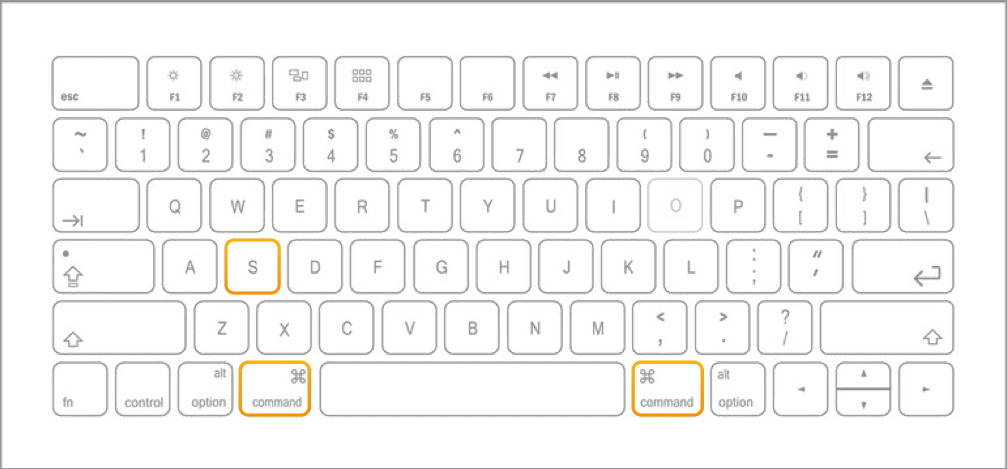
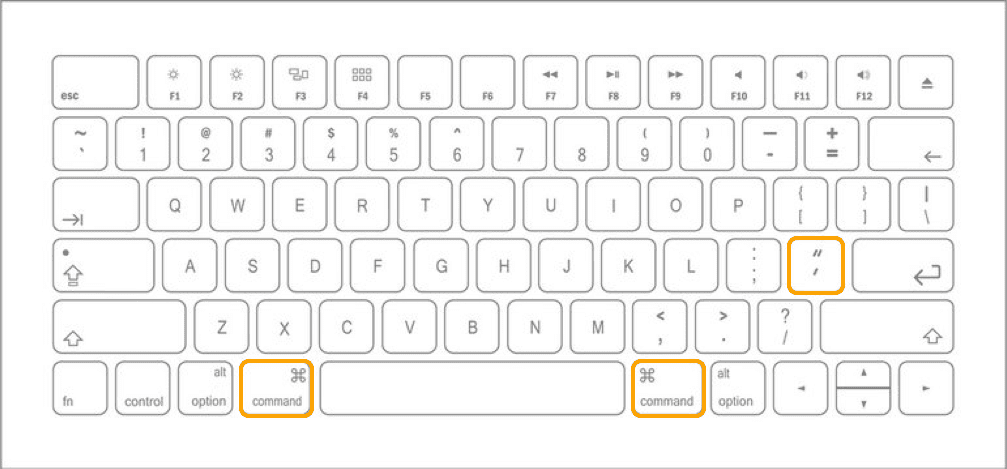
Add keyframe at playhead
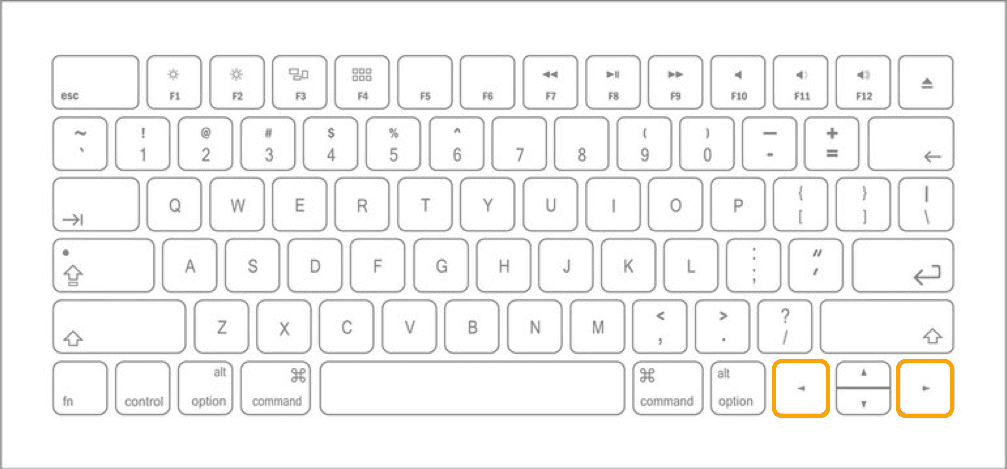
Move playhead forward/backward 1 frame
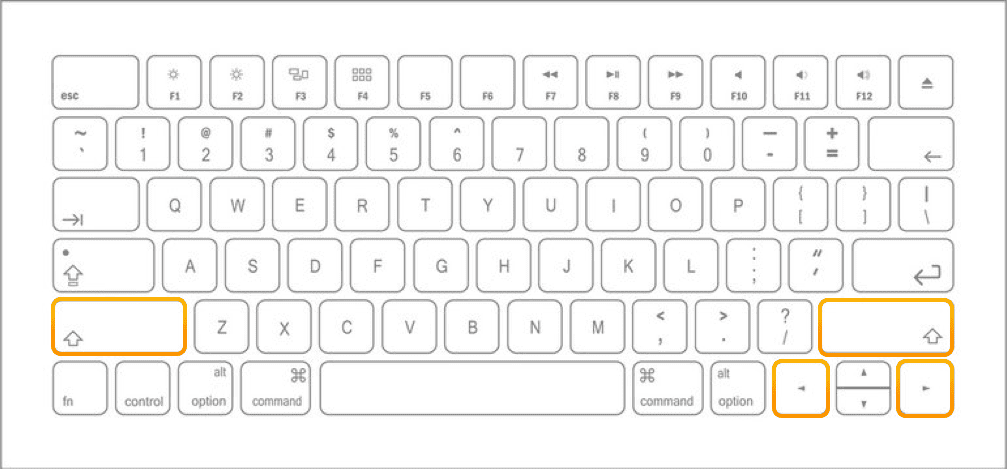
Move playhead forward/backward 1 second
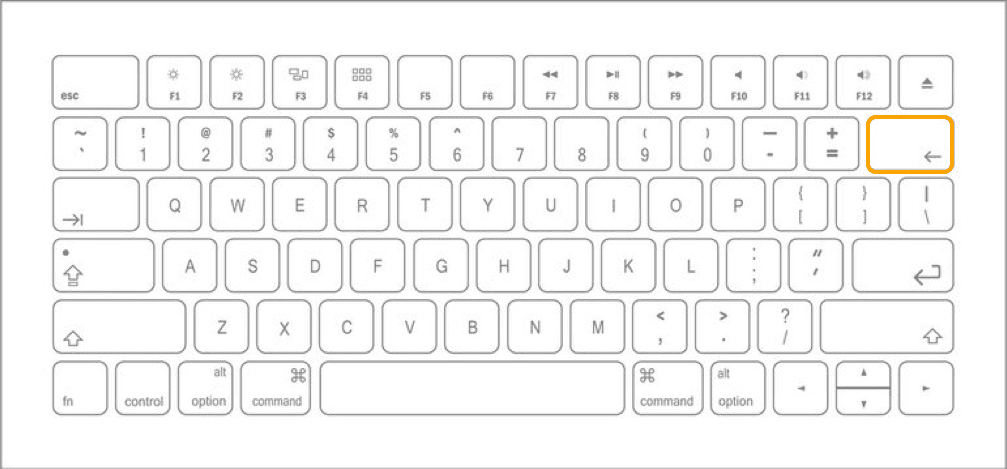
Delete keyframe(s)
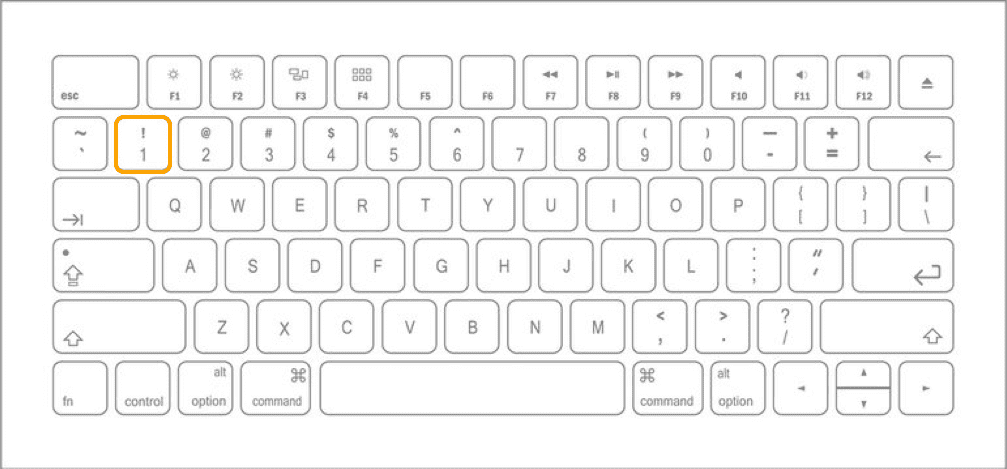
Bring Momentum into focus
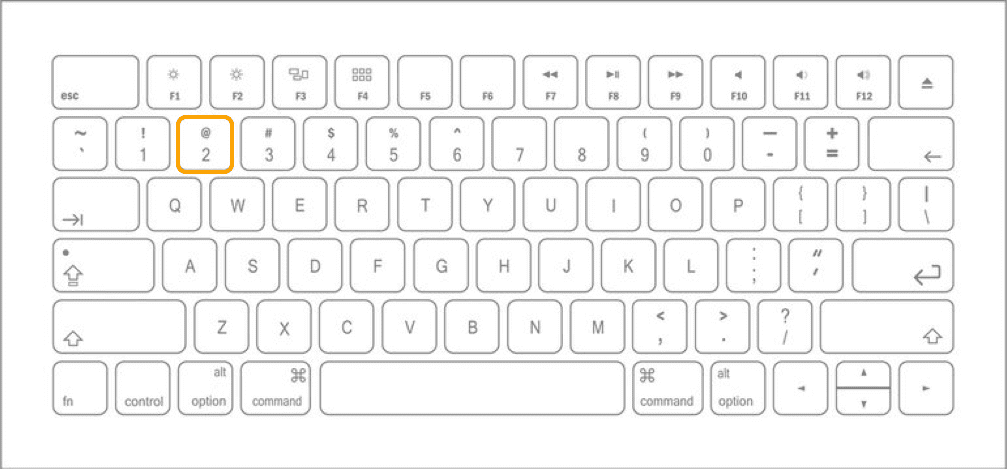
Bring Depth into focus
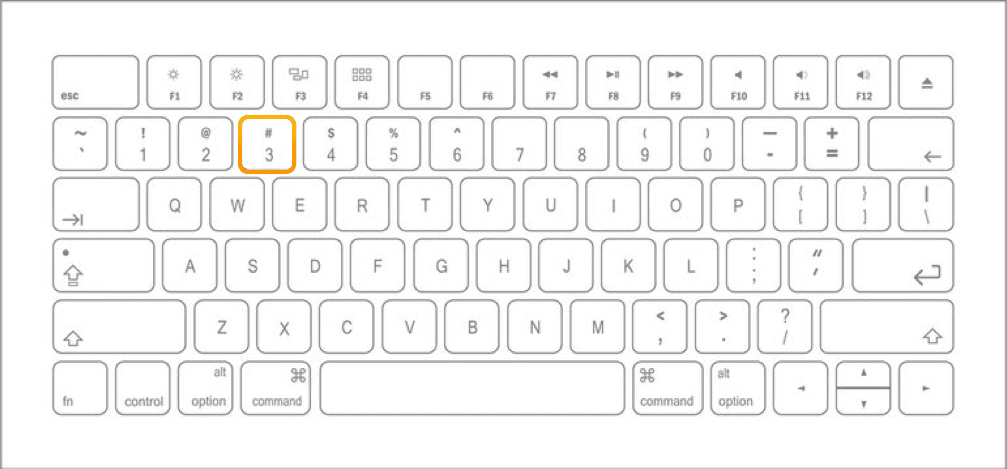
Bring Power into focus
Select All
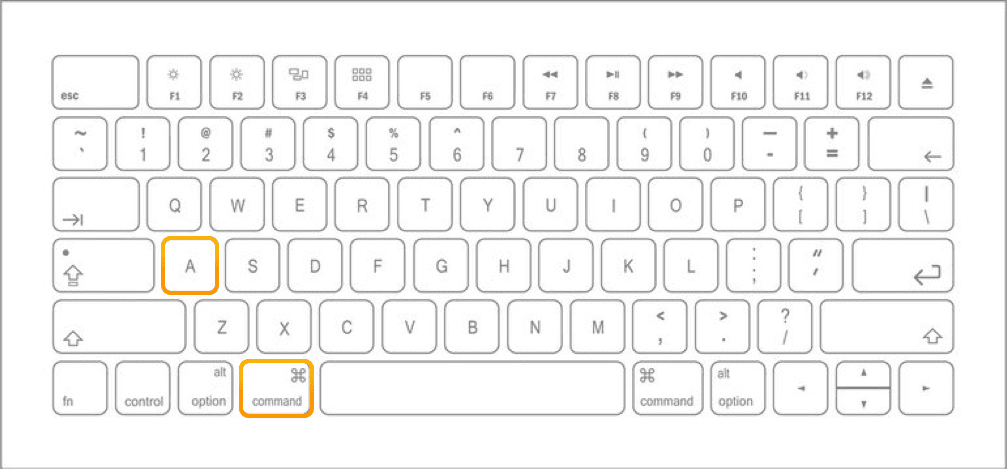
Clear Selection
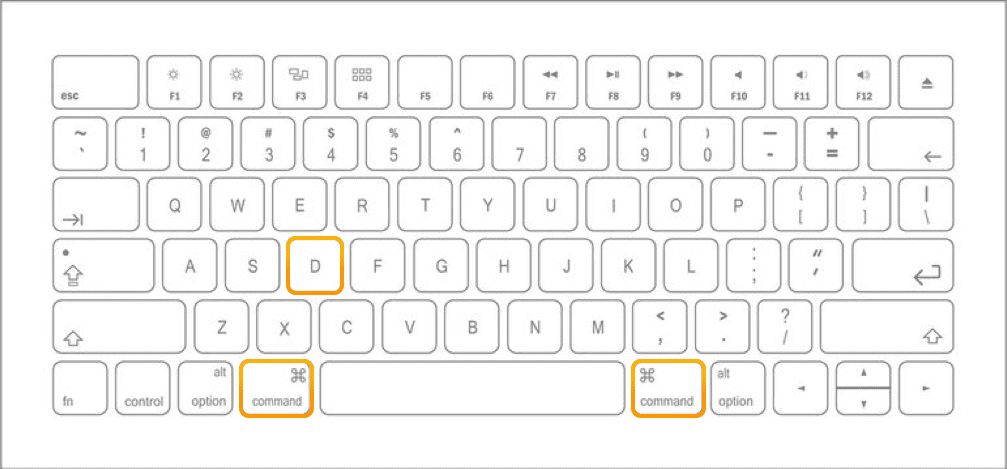
Play/Pause
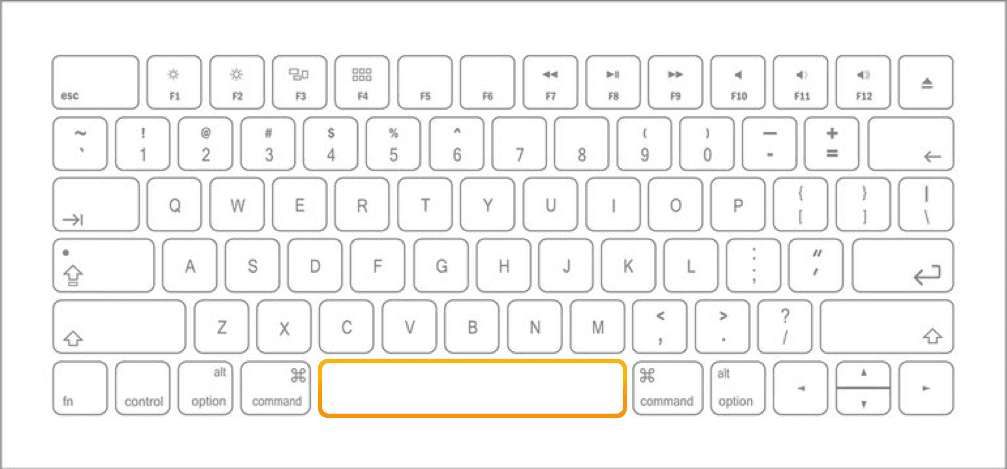
Play
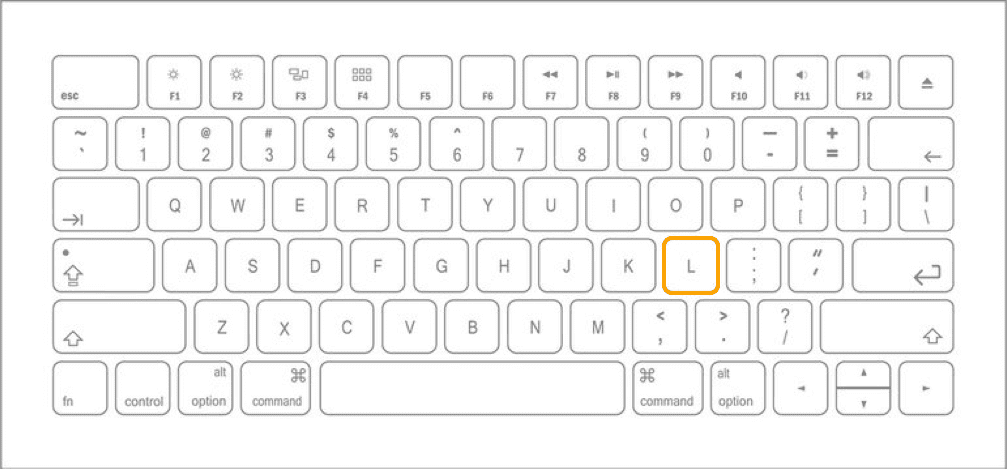
Stop
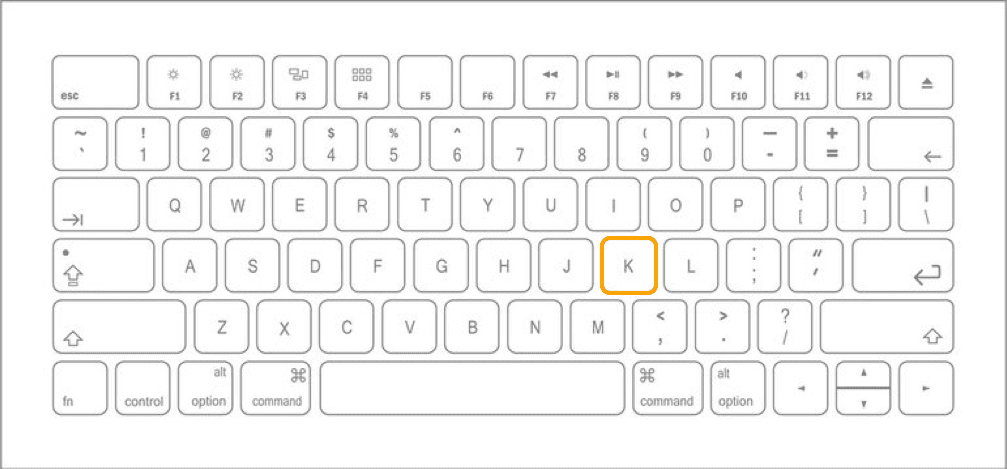
Return to start of timeline
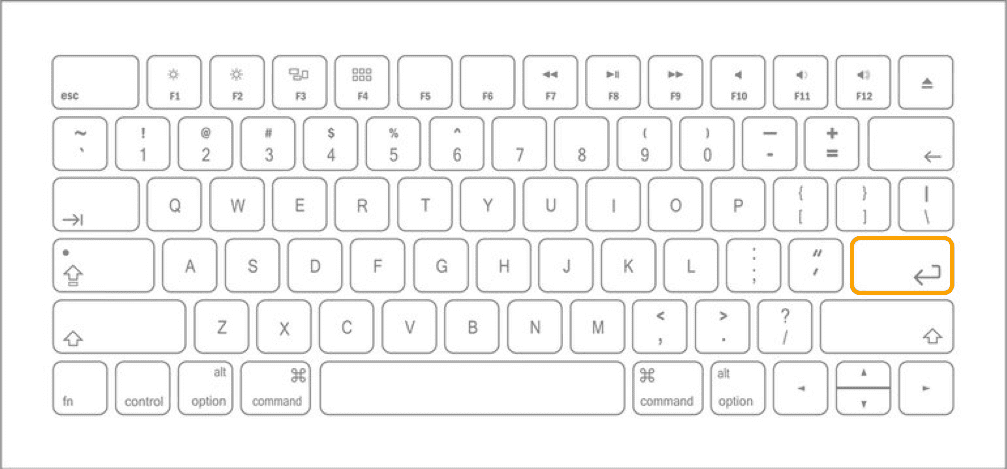
Undo
Redo
Toggle Rehearse / Record
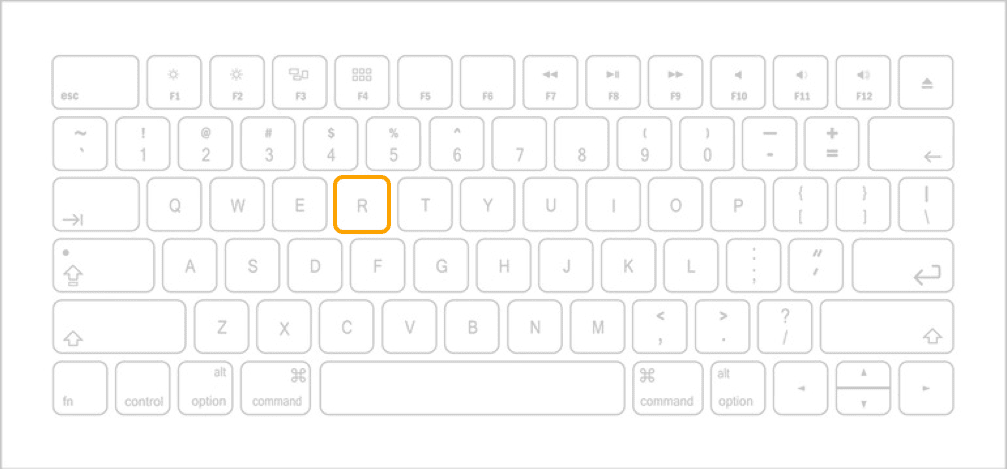
coming soon….
Toggle Spot Edit / Overwrite
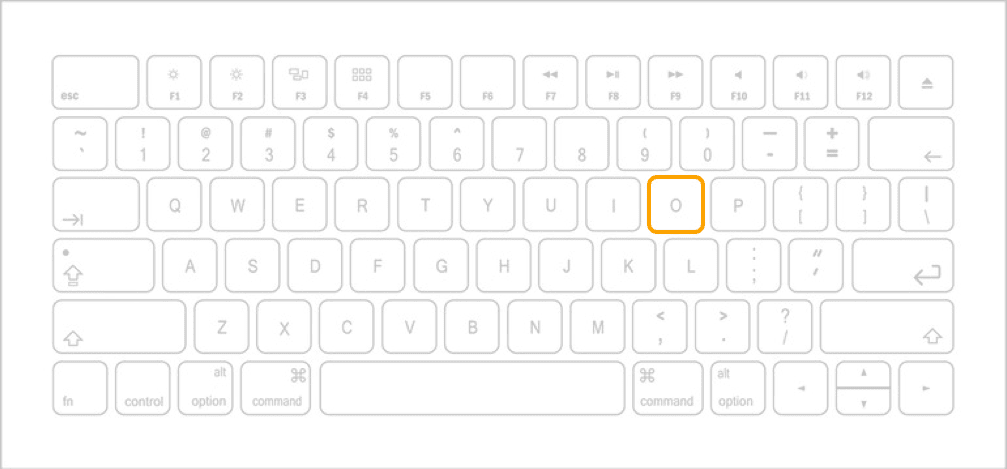
coming soon….
Shuttle playhead to next keyframe
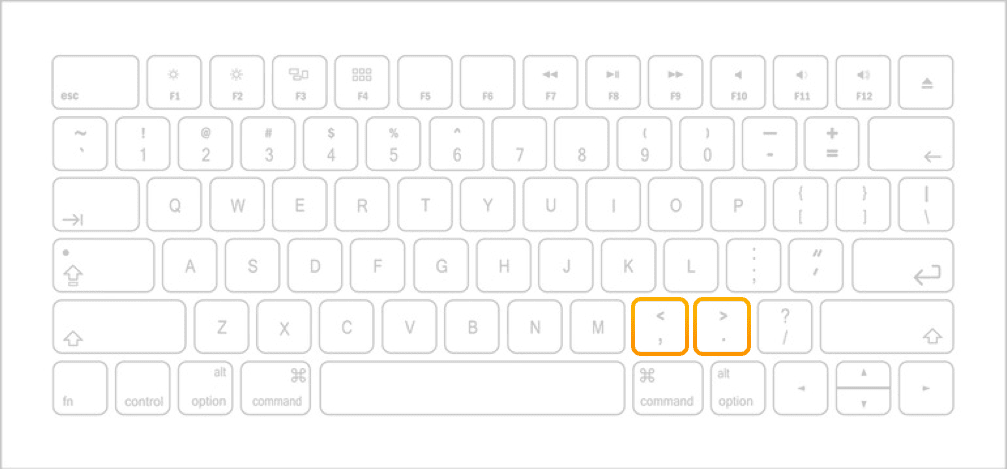
coming soon….