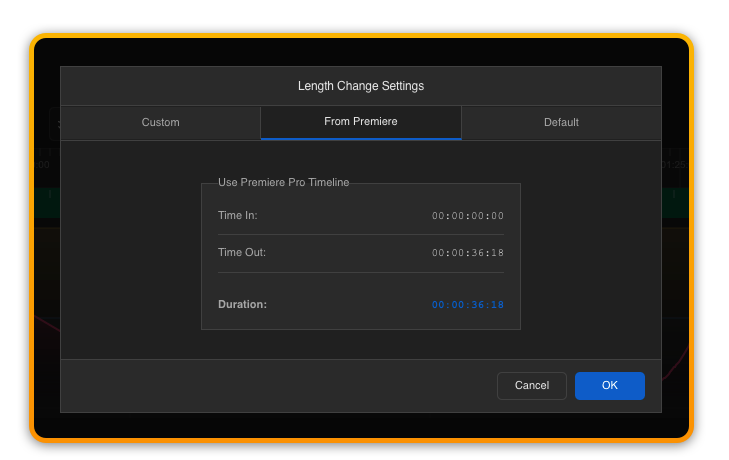
Length Change
One of the most powerful aspects of Filmstro is its revolutionary audio engine algorithm that creates perfect musical tracks at any length between ~20/30 seconds and > 10 minutes.
There are two ways to create a custom length.
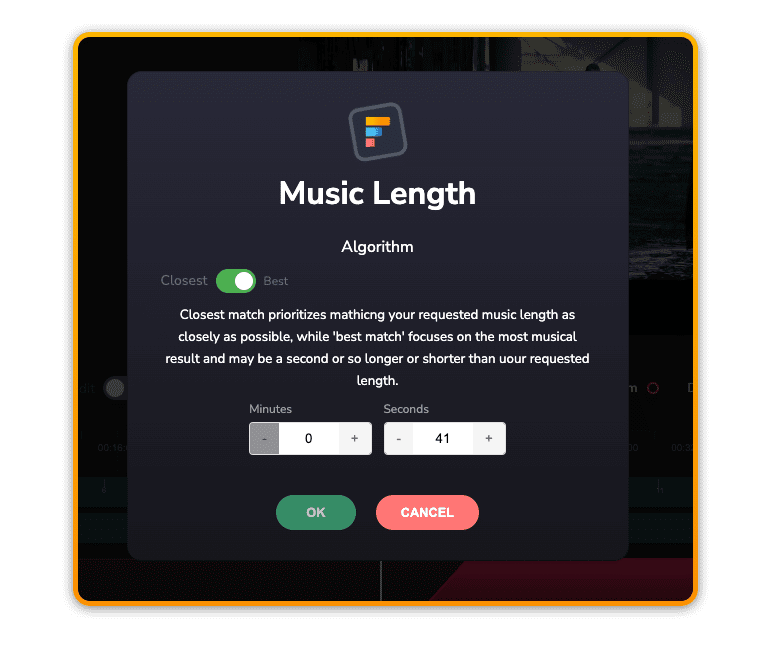
Set new custom length by input menu
You can access the length change menu from the edit interface in the Transport where you can increase or decrease the time by seconds/minutes and input a custom time.
Set new custom length by editing music object
A more intuitive way to create a new custom length is to trim or extend the music object to the desired length.
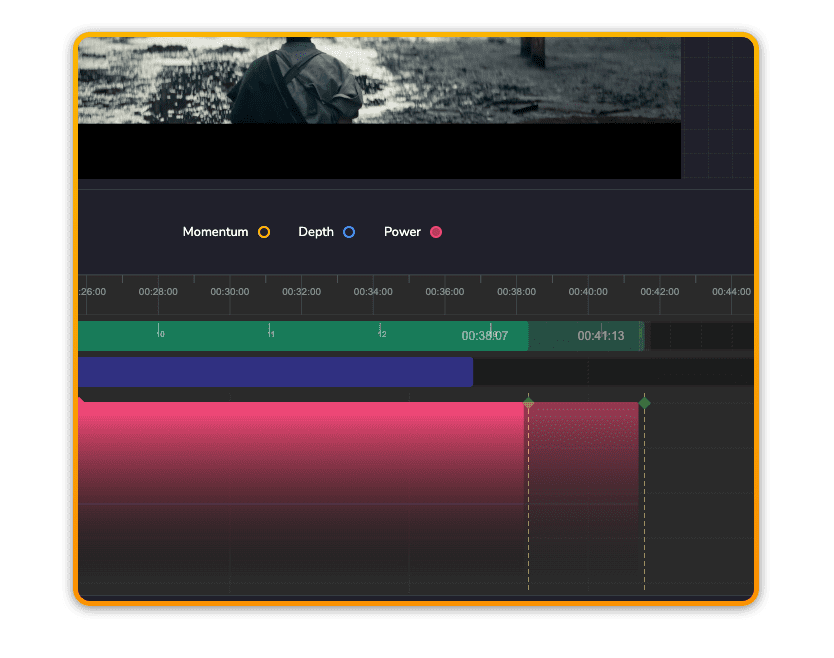
💡 Please note that the default algorithm for custom lengths is set to “Best Match”. This can be changed in the length change menu or in Advanced Preferences.
Conform the music to your Premiere timeline
Inside the Premiere Extension, navigate to the ‘Set Music Length’ button.
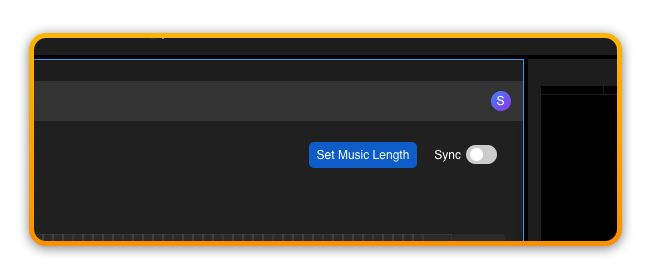
Next, ensure that you have set an ‘IN’ and ‘OUT’ point in your Premiere Pro timeline.
You can then ask Filmstro to match the music to your timeline’s duration.