

Documentation
Fundamentals
Levels
You can make offline level changes by selecting an area in the Timeline and then moving the Scoring Sliders up or down to the desired level.
💡 Remember to use SHIFT-click to create a selection in the timeline.
De-select by clicking anywhere outside of the selection in the timeline or use the shortcut CMD+D. (CTRL+D for PC)
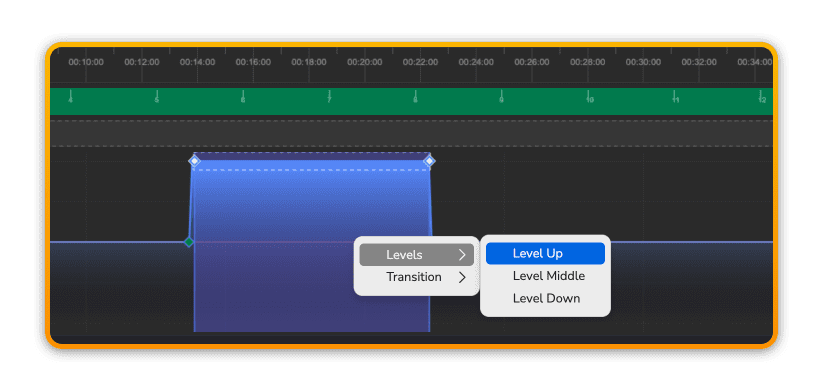
Level Up
Right-click and choose Level Up to set the levels to their maximum setting exactly.
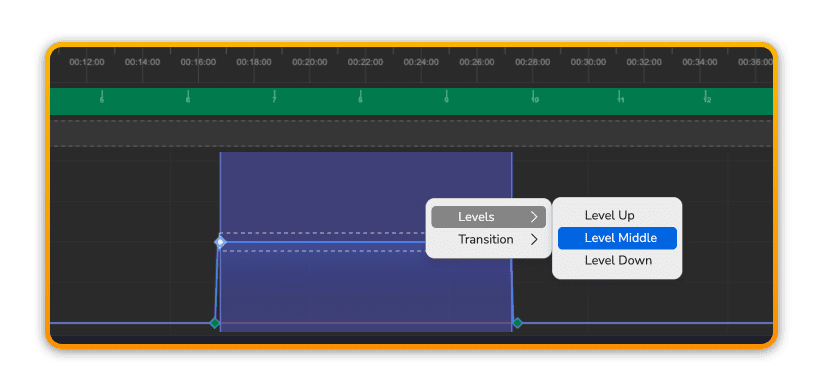
Level Middle
Right-click and choose Level Middle to set the levels to their mid setting exactly.
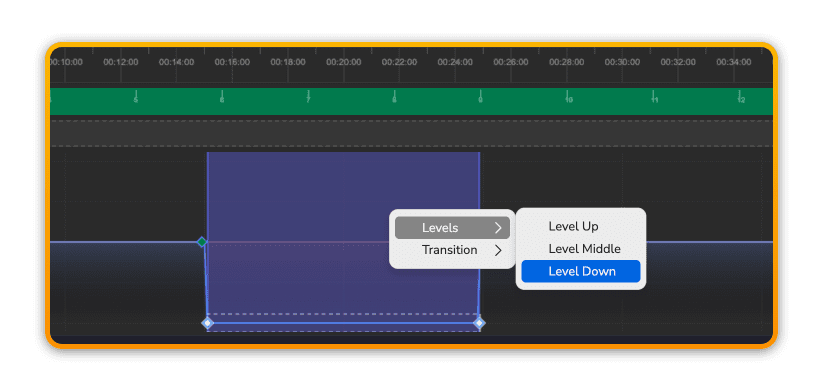
Level Down
Right-click and choose Level Down to set the levels to their minimum setting exactly.
Prev
Next