

Documentation
Fundamentals
Stem Control
Stem Control allows you to find a specific instrument or sound and then remove it from the soundtrack.
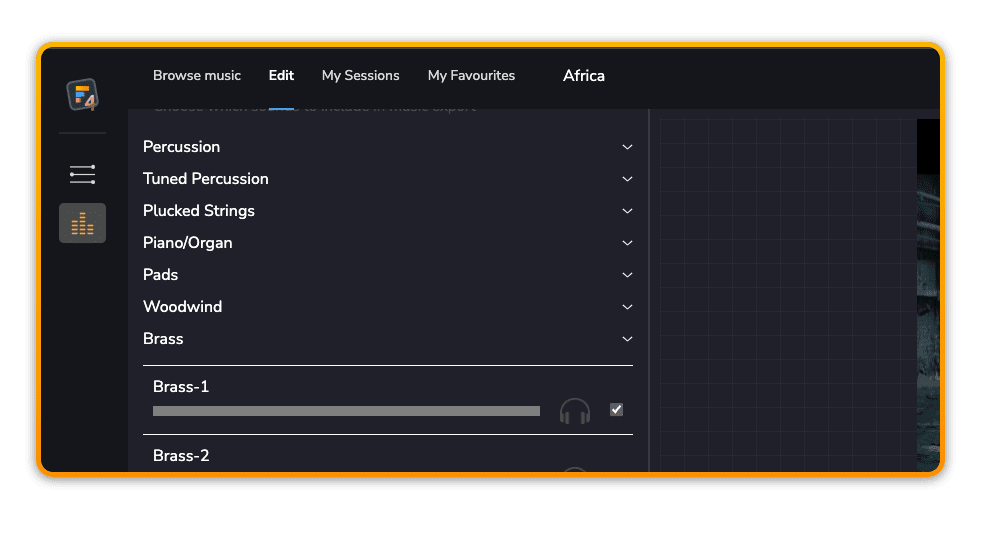
Stem Control groups
Many of our tracks have convenient instrument groupings that allow you to more quickly find the specific instrument or sound you want to remove from your mix.
Solo
Use the solo button to listen to an individual part.
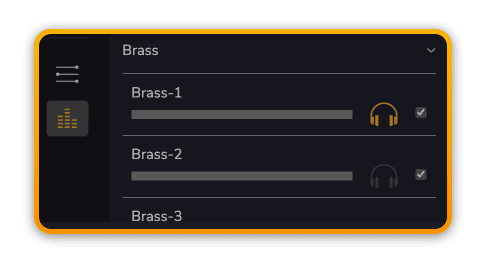
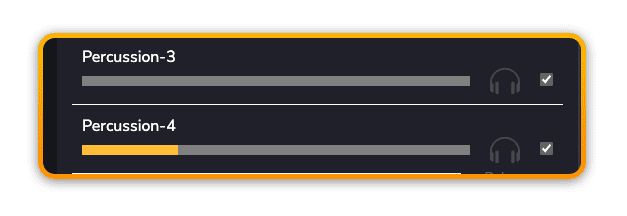
?You can tell if a particular instrument is playing at any given Scoring Slider position by checking the level indicator.
Mute
Once you have identified the sound(s) you no longer wish to keep in your final soundtrack, simply un-check the sound(s) to remove them from the final music Export.
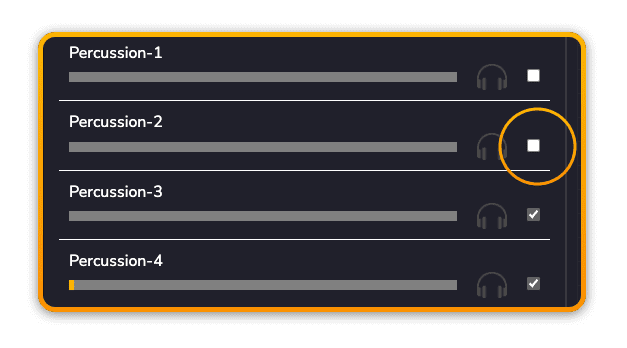
?Your choices are auto-saved to your session so the next time you open the session these stems will persist in being muted.
Prev
Next