

Documentation
Fundamentals
Levels
You can make offline level changes by selecting an area in the Timeline and then moving the Scoring Sliders up or down to the desired level.
?Remember to use SHIFT-click to create a selection in the timeline.
De-select by clicking anywhere outside of the selection in the timeline or use the shortcut CMD+D. (CTRL+D for PC)
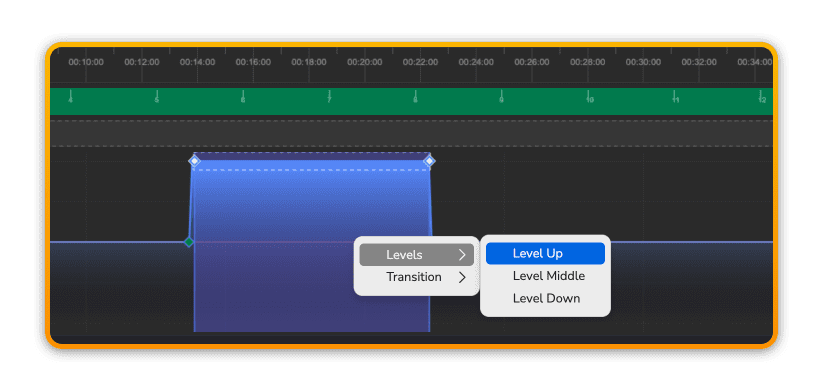
Level Up
Right-click and choose Level Up to set the levels to their maximum setting exactly.
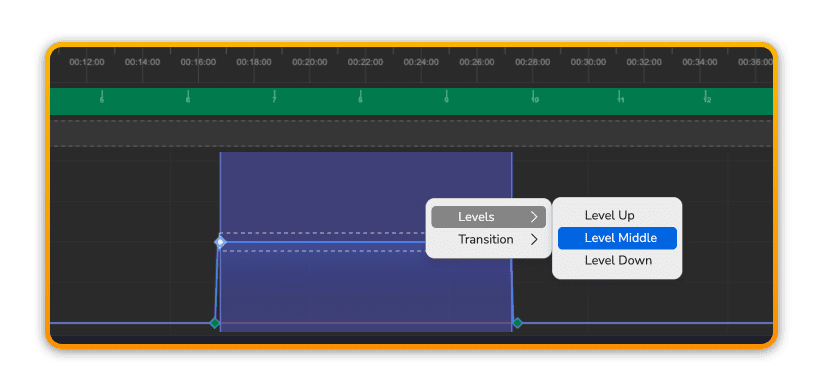
Level Middle
Right-click and choose Level Middle to set the levels to their mid setting exactly.
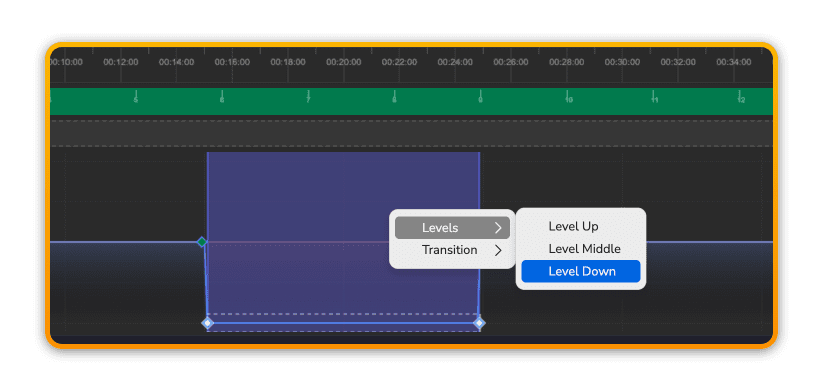
Level Down
Right-click and choose Level Down to set the levels to their minimum setting exactly.
Prev
Next