Search
The best way to search in Filmstro is by navigating to dedicated Playlists.
?Good to know: our entire search functionality is being updated in 2025.
Search Bar
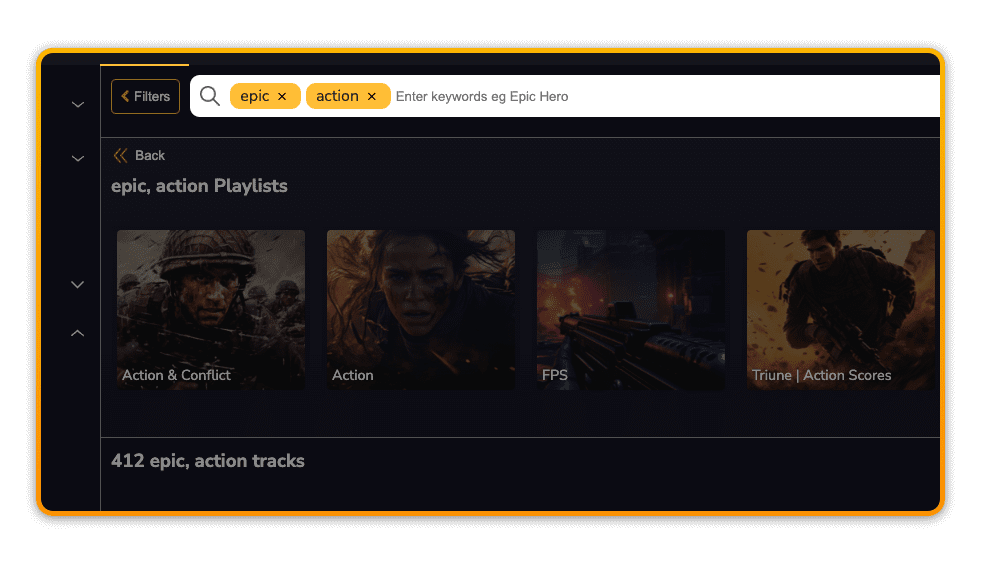
You can enter one or more keywords in the search bar. This will return a result of the most relevant individual tracks, along with any relevant playlist(s).
Playlists
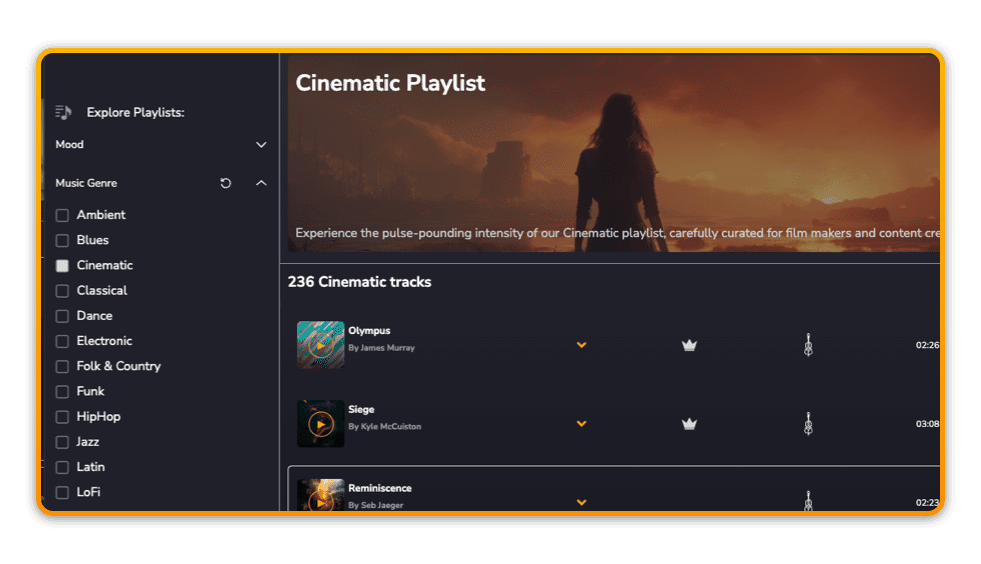
Our playlists have been lovingly curated by our in-house music supervisor (not just AI). We have a number of useful categories:
Mood
Our mood playlists group together music that shares the same emotional tone and elicits the same emotional response from the listener/viewer.
Music Genre
If you know the music genre you need, then this is a good way to search, as we have grouped music in the most common musical categories for you.
Video Genre
If you need a typical sound that’s similar to the tried-and-tested industry-standard approach – especially for narrative or long-form content – then searching by video genre is a solid approach.
Instrumental Palette
Our instrumental palette playlists group music by their sounds and the instruments used. Useful if you know that you only want orchestral music or acoustic guitar for example.
Game Genre
If you’re a game developer looking for tracks, then these playlists are for you.
Filters
We have a number of filters that you can apply to further refine your search.
?Good to know: we are adding filters for Music Genre, Mood and more very soon!
Ensemble
Choose from:
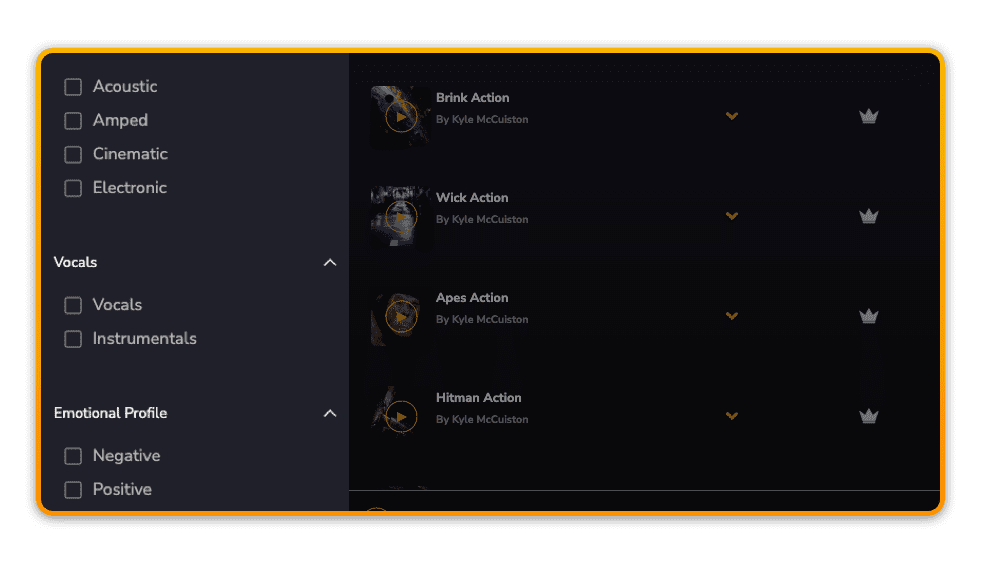
Acoustic
Acoustic music is created using instruments such as acoustic guitar, bass, un-amplified drum kits, piano and so on. Think anything that creates traditional or folk music.
Amped
Amped is music that uses instruments that require electricity or are amplified in some way. For example electric guitars and basses and mic’d up drum kits.
Cinematic
Cinematic music is created with traditional orchestral instruments like strings, brass, woodwind and percussion. This will also include some hybrid elements for more modern film scores. Think typical movie soundtracks.
Electronic
Electronic music is made with mostly digital instruments. In other words this is music that’s already ‘in the box’ and is rarely created with real instruments (aside from hardware synthesisers of course!).
Vocals
Toggling the vocals filter will return results with or without vocals. This is useful if you need to restrict your search to instrumental music only for example.
Emotional Profile
This is an experimental filter that will return music based on the harmonic composition and has 4 flavours. Negative will return music that sounds mainly serious or mellow. Positive will return music that is more happy and upbeat. Balanced will return music that is neither too serious nor too upbeat. And Variable will return music that has elements of both extremes at different points throughout the composition.
Energy Level
This is an experimental filter that describes the innate character of a composition, despite the fact that you can change the energy with the Scoring Sliders – such as turning up the Momentum and Power. There are 3 flavours. High is music that has an innate level of High energy, especially when the sliders are turned up to their maximum positions. Low is music that has an innate level of Low energy, especially when the Scoring Sliders are turned down to their minimum values; but even when the sliders are turned up to their maximum. And Medium is music that has an innate level of Medium energy, even when the sliders are turned up to their maximum.
BPM
The BPM filter allows you to set a range by which to search for music based on the number of Beats per Minute.
?While important in determining the core cadence between major sync points, don’t forget that using Momentum in the App is a far more effective determinant of the actual sense of inherent tempo in the music.
Tags
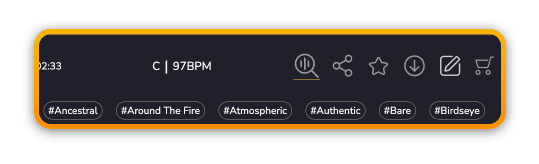
Meta data tags provide additional contextual descriptors for a track to help guide you towards finding the right music. You can show or hide these tags using the toggle above the search results area.
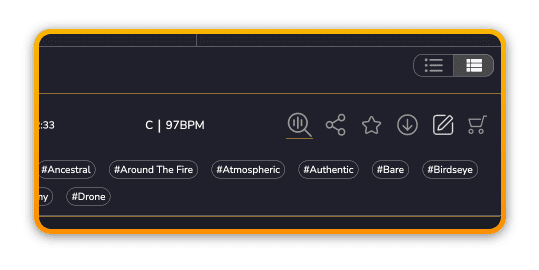
Show Similar
There are 2 ways to find similar music in Filmstro.
You can click the Show Similar icon in the track area, or you can click any Meta Data Tag to display a new search based on your chosen tag.