

Documentation
Fundamentals
Custom Playlists
To organise your Filmstro track selections, navigate to the ‘My Playlists’ Tab in the main Filmstro tool bar.
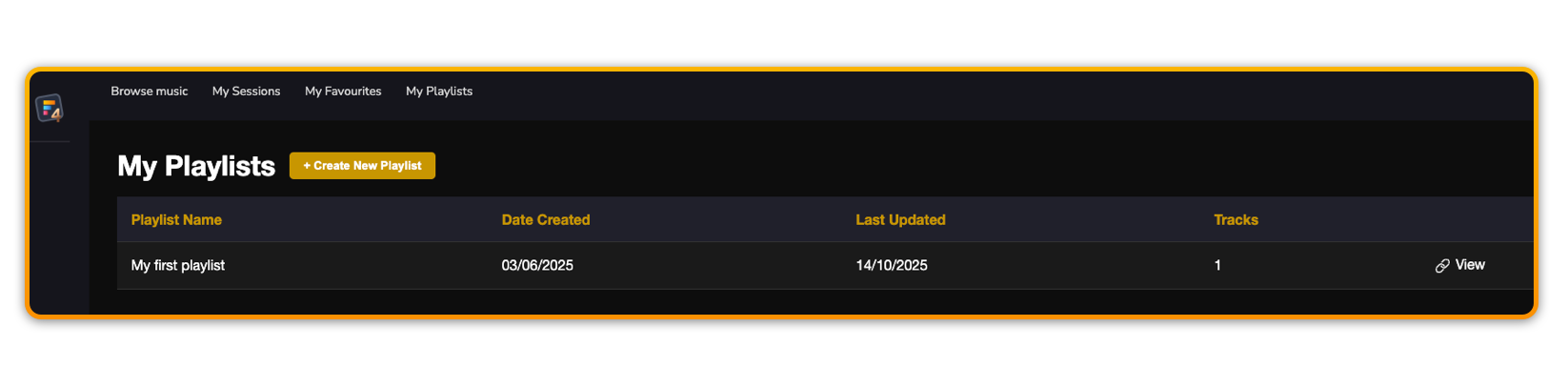
1️⃣ Create New Playlist
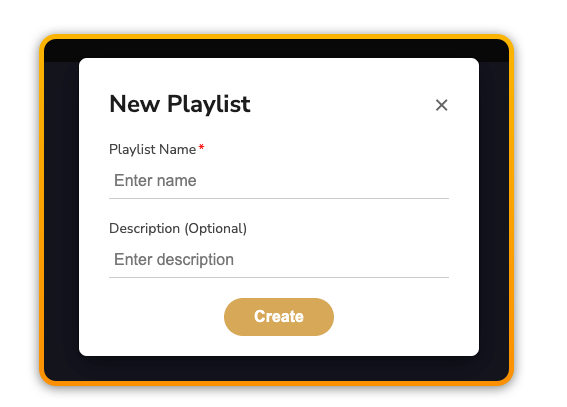
To create a new playlist, click the ‘Create New Playlist’ button. You can enter a name and a brief description for your new playlist.
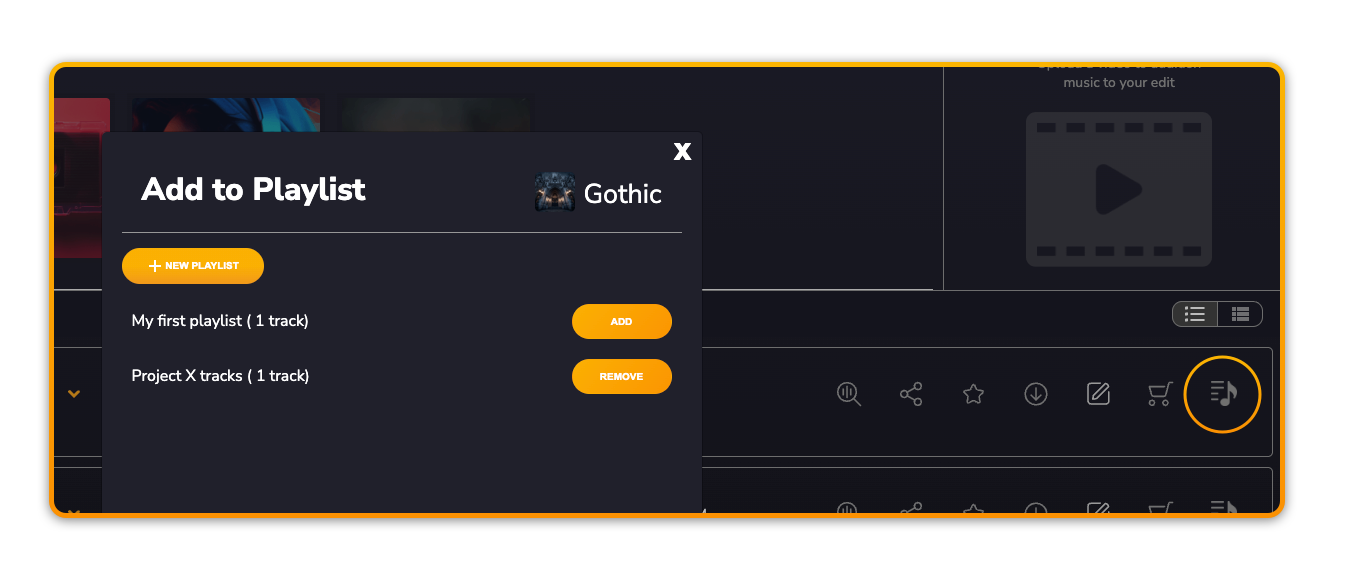
2️⃣ Add track(s) to Playlist
You can add track(s) to any of your existing playlists directly from the browse page by using the icon next to the chosen track.
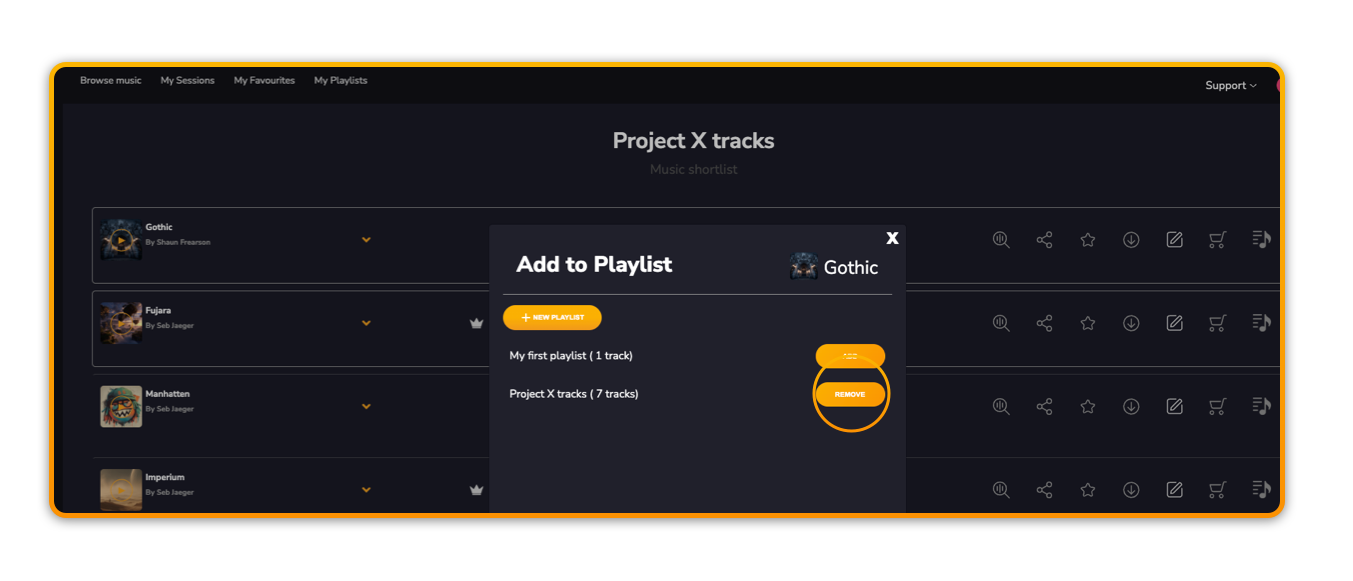
3️⃣ View & edit Playlist
Within the playlist you can access each track to continue editing the music, or remove the track(s) from the playlist.
Prev
Next